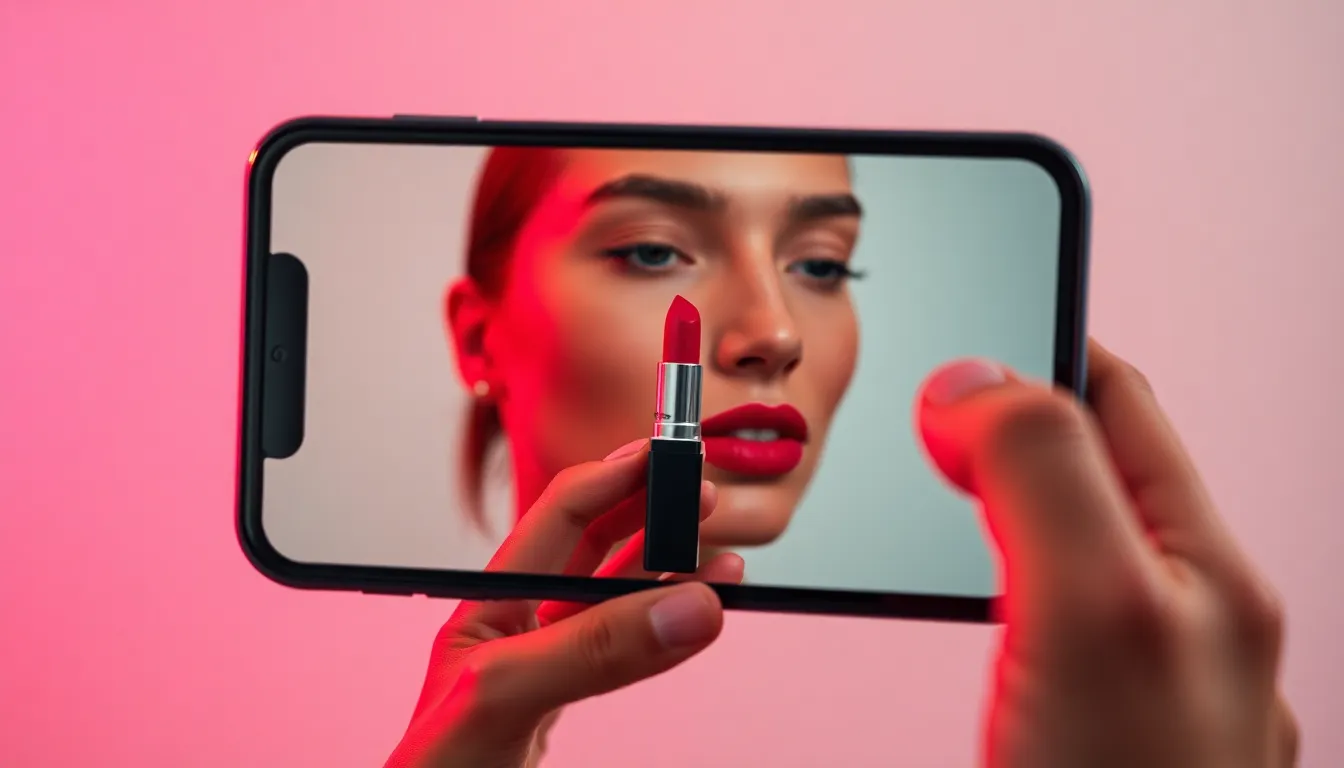

For decades, buying lipstick online has been a massive gamble. Flat arm swatches photographed under aggressive studio rings lights simply do not reflect reality. A shade that looks like a beautiful soft pink on a hand model might pull abrasive neon orange against your specific dermal chemistry and facial structure.
Virtual lipstick try-on completely flips this paradigm. By utilizing advanced AI face-meshing frameworks, our technology uses your actual photo as the canvas. It maps the contours of your lips and applies hyper-specific color mathematics in a way that respects your natural lip shape, volume, and ambient lighting. It is not a flawless replacement for seeing a bullet in real daylight, but it is unequivocally the fastest way to narrow a list of 20 potential shades down to the 3 that actually flatter you.
How to Get the Most Accurate AI Preview
The old saying "garbage in, garbage out" applies heavily to AI image processing. To get a photo-accurate lipstick preview, your input selfie must follow these critical guidelines:
- Find Natural, Flat Light: Step in front of a window. Avoid harsh overhead bathroom lights that cast huge shadows under your nose, and avoid direct blinding sunlight that wipes out your skin texture.
- Neutral Expression: Do not pout heavily or stretch your mouth into a massive smile for the base upload. A relaxed, neutral face allows the AI to map your lip boundary (the vermilion border) with maximum precision.
- Bare Lips: If you upload a photo wearing bright red lipstick, the AI must multiply the new color *over* the red, creating a muddy mess. Start with entirely bare lips. Foundation is fine!
Instant Edge vs. HD AI Processing
GlowLip actually operates two completely different rendering engines to help you shop.
1. The Instant Canvas: This runs directly on your device instantly. You can scrub colors, alter gloss density, and change opacity in real time without lag. It is perfect for rapidly burning through the MAC catalog to see if you prefer Ruby Woo or Russian Red.
2. The HD AI Upgrade (Gemini): If you find a shade you think you want to purchase, you can hit "Enhance." This bundles your selfie and the shade data, and sends it to Google's incredibly powerful Gemini AI models. A few seconds later, it returns a hyper-realistic, studio-edited version where the lipstick actually interacts with the micro-texture of your skin.
See It in Action Now
Stop guessing based on flat swatches. Open the tool, upload a natural photo, and start testing the most famous shades in the world instantly.
Launch Virtual Try-On